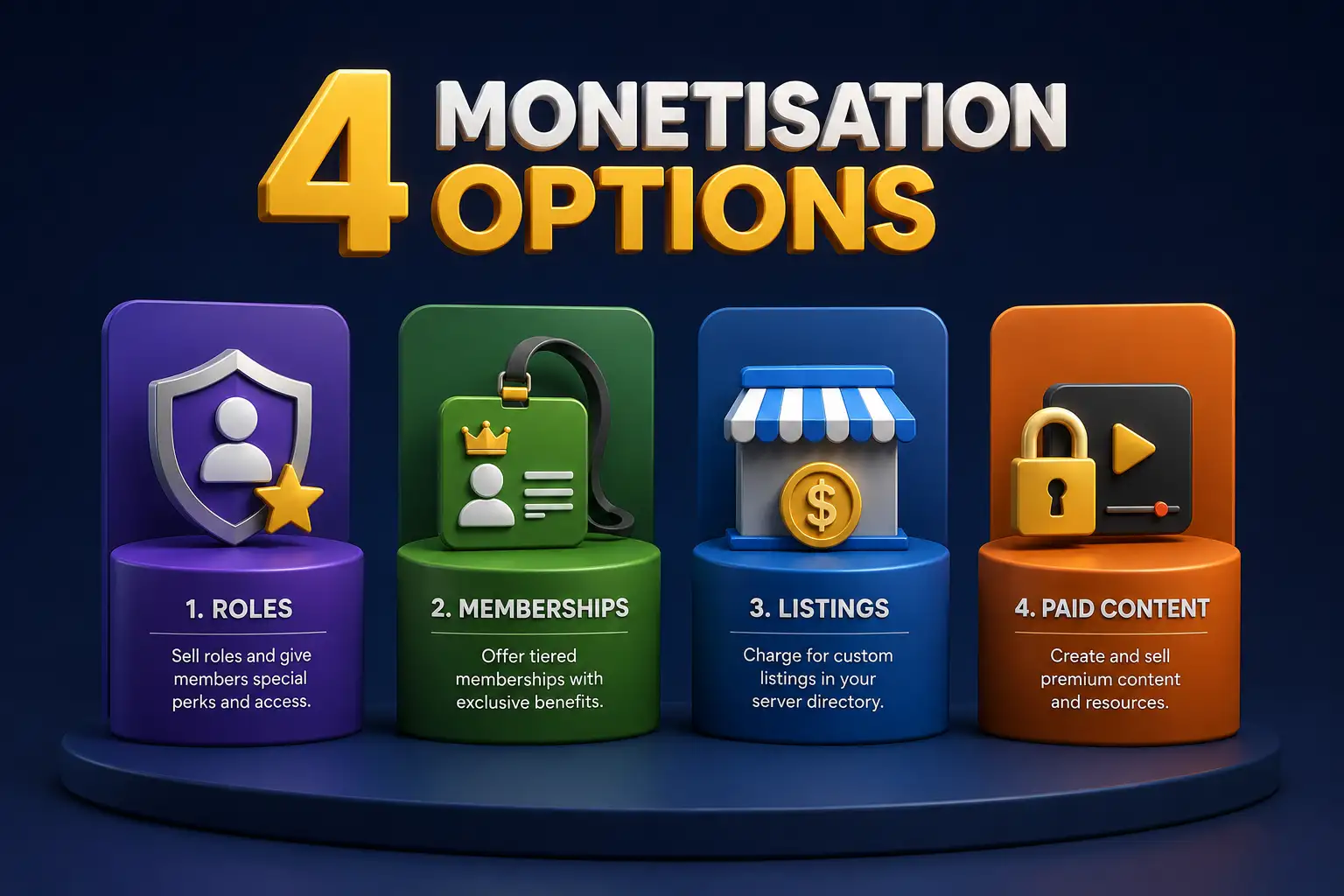
Four monetisation options of the Voxel Theme —Roles, Memberships, Listings, and Paid Content

Monetisation in Voxel: Roles, Memberships, Listings & Paid Content

Voxel offers multiple monetisation and access models, each designed for a different purpose. Whether you’re building a directory, marketplace, community, or creator-led platform, understanding these four options will help you choose the right approach for your site.

1. User Roles & Capabilities (WordPress Permissions)

User roles are a WordPress feature that control what users can do on your site, both in the backend and frontend. Administrators have full access, while a Subscriber can only manage their profile and leave comments. Voxel also allows you to create custom user roles with the same basic permissions as a WordPress Subscriber.

Roles are useful for segmenting users and shaping their experience during registration, even before any payments are made. For example, you can redirect business users to a benefits page or control content visibility based on their role.

Best for: Controlling permissions, segmenting users, and creating custom onboarding flows — not monetisation.

2. Voxel Memberships (Paid Members)

Voxel memberships let you sell one-time payment plans or subscription plans that grant access to restricted content across your site. Since Voxel version 1.7, Memberships no longer control listing submission limits; instead, they restrict access to pages, posts, or other protected content.

You can still allow unlimited listing submissions by giving members access to the submission form as part of their membership plan. Memberships are typically recurring and tied to a user account, making them ideal for ongoing content access, but one-off and time-based access is possible.

Best for: Controlling access to premium content, gated pages, or private sections — not limiting listing submissions.

3. Voxel Paid Listings (Submission-Based Monetisation)

The Paid Listings addon allows you to monetise listing submissions. Users purchase listing plans that define how many listings they can submit, how long they remain active, and additional features like priority placement or automatic verification.

This model is perfect for directories, marketplaces, job boards, and classified sites, where revenue comes from listing content rather than accessing the site itself. Visitors can browse freely, while businesses or users pay to appear on the platform.

Best for: Directories, marketplaces, and sites where monetisation is based on published listings.

Unleash Dynamic Data with Voxel!

With Voxel’s design flexibility, the possibilities are endless. Get Voxel here!

4. OnlyFans Style Paid Content (Product-Based Access)

Voxel also supports an OnlyFans / Patreon style model using product types and the “User has bought product” and “User is customer of author” visibility conditions. In this setup, users pay to access specific content, such as a single listing, a private page, or all content from a particular author or creator.

Access is tied to product purchase, whether one-time purchases or subscriptions, allowing you to build creator-centric or listing-centric paywalls. A one-time product gives access indefinitely, while a subscription product gives access for as long as the subscription is paid. This approach is content-focused, not platform-wide like memberships, and works well for monetising premium profiles, gated listings, or exclusive posts.

Best for: Creator platforms, gated listings, premium author content, or pay-per-content models.

How These Models Work Together

In practice, many Voxel sites combine these approaches:

  • Roles control permissions and onboarding flows
  • Memberships grant access to restricted content
  • Paid listings monetise submissions
  • Product-based access gates individual content or author posts

Choosing the right combination for your platform ensures flexibility, clarity, and scalability.

Final Takeaway

Voxel doesn’t force a single monetisation method — it provides building blocks. Whether your goal is to sell access, listings, or content visibility, understanding these four models will help you design a platform that grows without complexity.

If you’re ready to set up your Voxel site for monetisation or need help choosing the right strategy, I can help.

More Articles

Displaying parent categories with their child categories grouped underneath in Voxel is difficult and not directly supported by default term feed options. To achieve this, you need to use a term loop workaround that allows child terms to be looped inside a parent term preview. The steps below show how to do this using native […]
Voxel Framework is a new WordPress plugin in development that brings Voxel’s features to Bricks Builder and Gutenberg. While Voxel can create custom post types, taxonomies, and custom fields — and supports powerful dynamic data, conditional logic, and visibility rules — its real value goes far beyond content structure. Details below are speculative based on […]